02-GPIO library installation
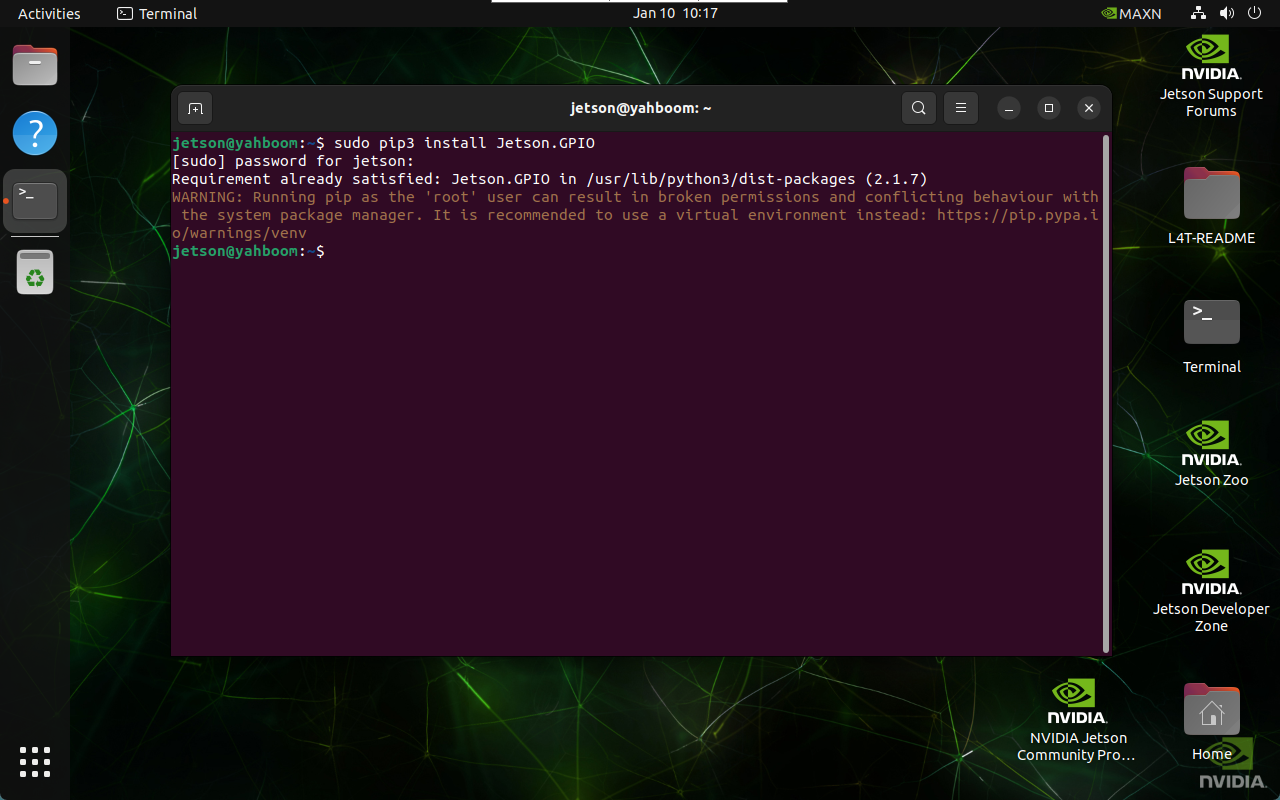
1. Install Jetson.GPIO library
The system installs Jetson.GPIO library by default, so you can skip this step.
1.1. Automatic installation
sudo pip3 install Jetson.GPIO
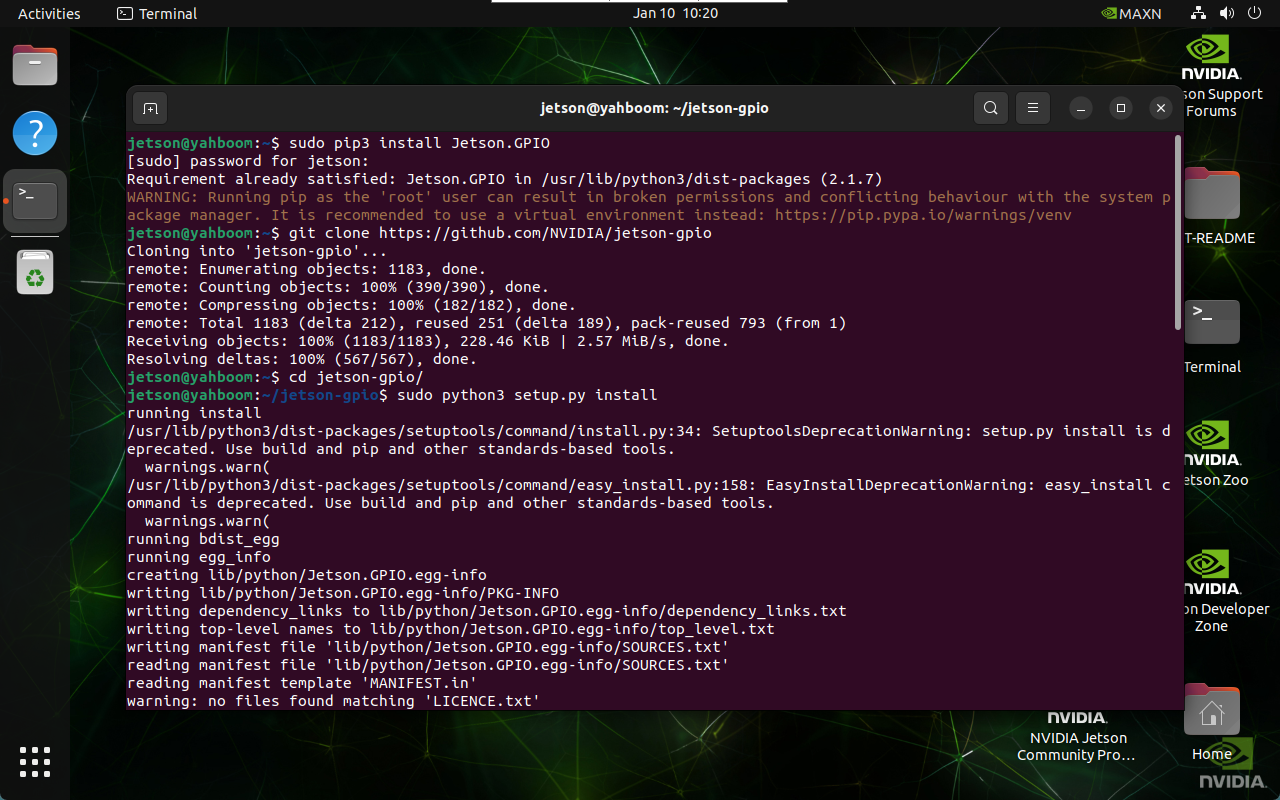
1.2. Manual installation
It is recommended to use the automatic installation method. Manual installation may not be the latest version.
git clone https://github.com/NVIDIA/jetson-gpio
cd ~/jetson-gpio/
sudo python3 setup.py install
2. Set user permissions
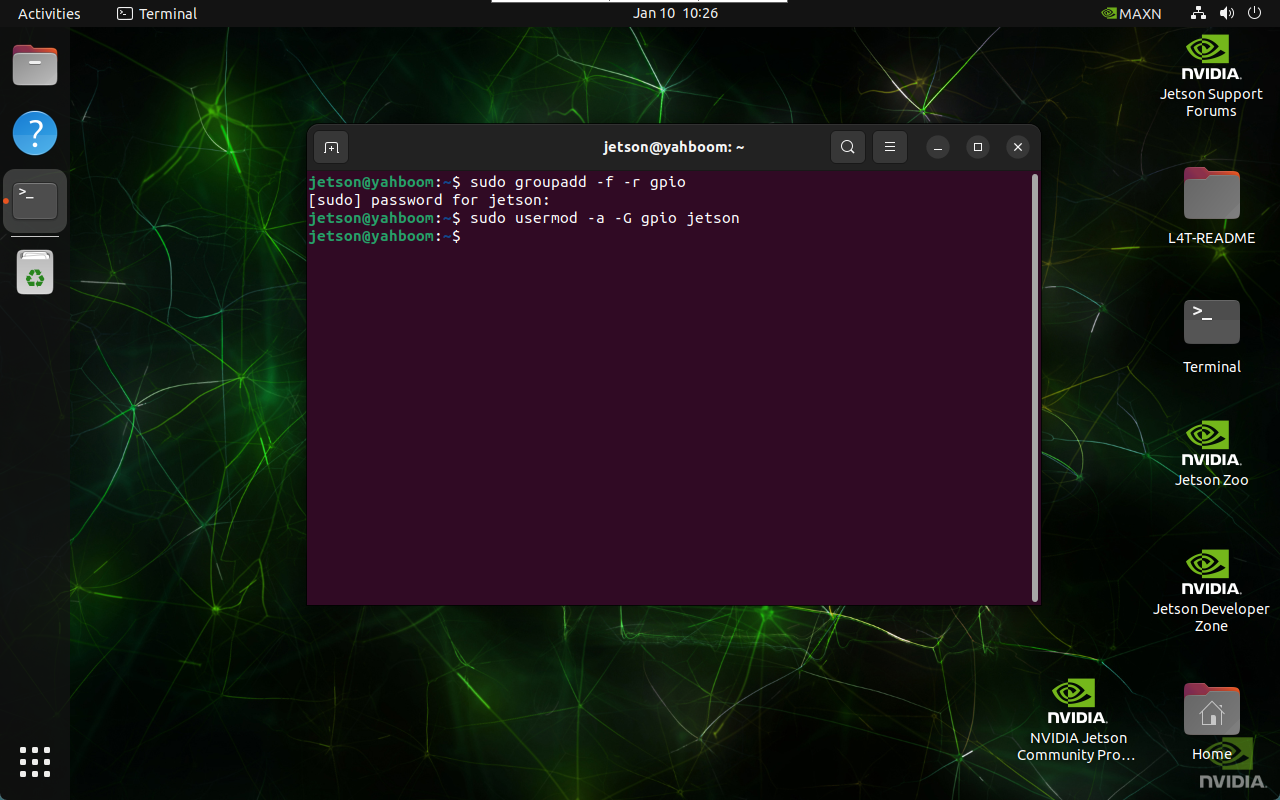
Allow the current system user to access and use the Jetson.GPIO library: where jetson is the system user name
sudo groupadd -f -r gpio
sudo usermod -a -G gpio jetson
3. Custom rule file
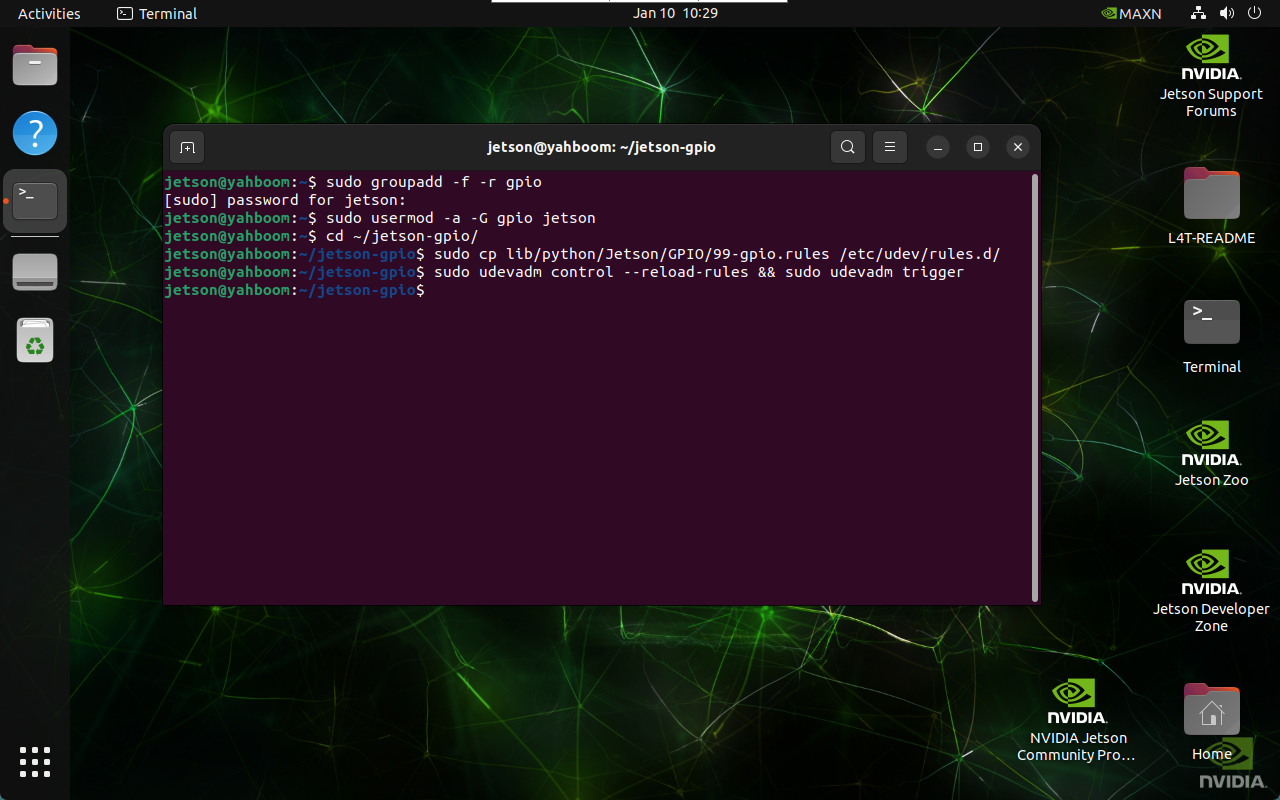
3.1. Copy the rule file
cd ~/jetson-gpio/
sudo cp lib/python/Jetson/GPIO/99-gpio.rules /etc/udev/rules.d/
3.2. Reload udev rules
sudo udevadm control --reload-rules && sudo udevadm trigger
4. Set the motherboard model
Currently, Jetpack6.1 does not set the motherboard model in advance. You need to set the motherboard model in the terminal before controlling GPIO each time:
export JETSON_MODEL_NAME=JETSON_ORIN_NANO